For many Microsoft 365 administrators, September 2026 started with a change they had not planned for.
On 1 September 2026, Microsoft began changing how SMS and voice authentication are handled in Entra ID. Some administrators may already have noticed authentication settings changing in their tenant. Some users may have been prompted to register a passkey after signing in.
This is not an optional recommendation or another feature announcement. On 1 February 2027, Microsoft will stop delivering SMS messages and voice calls for Entra ID authentication (Microsoft FAQ). By then, organisations must use other authentication methods or, for justified exceptions, bring their own telephony provider.
What does this change actually mean for an organisation? The February deadline forces you to address dependency on SMS and voice. It does not answer the larger question: what should everyday authentication look like afterwards?
LakeForest has three offers for this change: an assessment, a planned migration and guided enrollment with progress tracking. See the passkey offers →
The deadline is narrower than the decision
Before changing the configuration, decide which of two very different scopes you are dealing with.
- Minimum transition Find the users whose sign-in still depends on Microsoft-delivered SMS or voice, provide a working replacement and verify the transition before 1 February 2027.
- Organisation-wide transition Assess authentication usage across the organisation and decide which groups should move from Authenticator push notifications and number matching to passkeys, Windows Hello for Business or physical FIDO2 security keys.
Microsoft Authenticator push notifications and number matching do not end in February 2027. Microsoft describes number matching as an important security improvement for conventional push MFA. A passkey uses a different model: sign-in relies on cryptographic proof bound to the correct service rather than an approval request sent to a phone. Keeping push notifications as the organisation's standard method should therefore be a deliberate decision, not an unchanged default.
An assessment cannot stop at a list of SMS and voice users. It must show how authentication methods are currently used across the organisation: who uses passwords and push MFA, who uses Windows Hello for Business, a passkey or a security key, and where those methods actually work. Only then can you define the migration scope, user groups and suitable authentication options.
If you do not know which authentication methods your users actually rely on, LakeForest Technologies can assess the current state. From there, we can design the right options for each user group, configure Entra ID and carry out the migration in a controlled way. See the passkey offers →
The MFA fatigue lesson: technology does not replace awareness
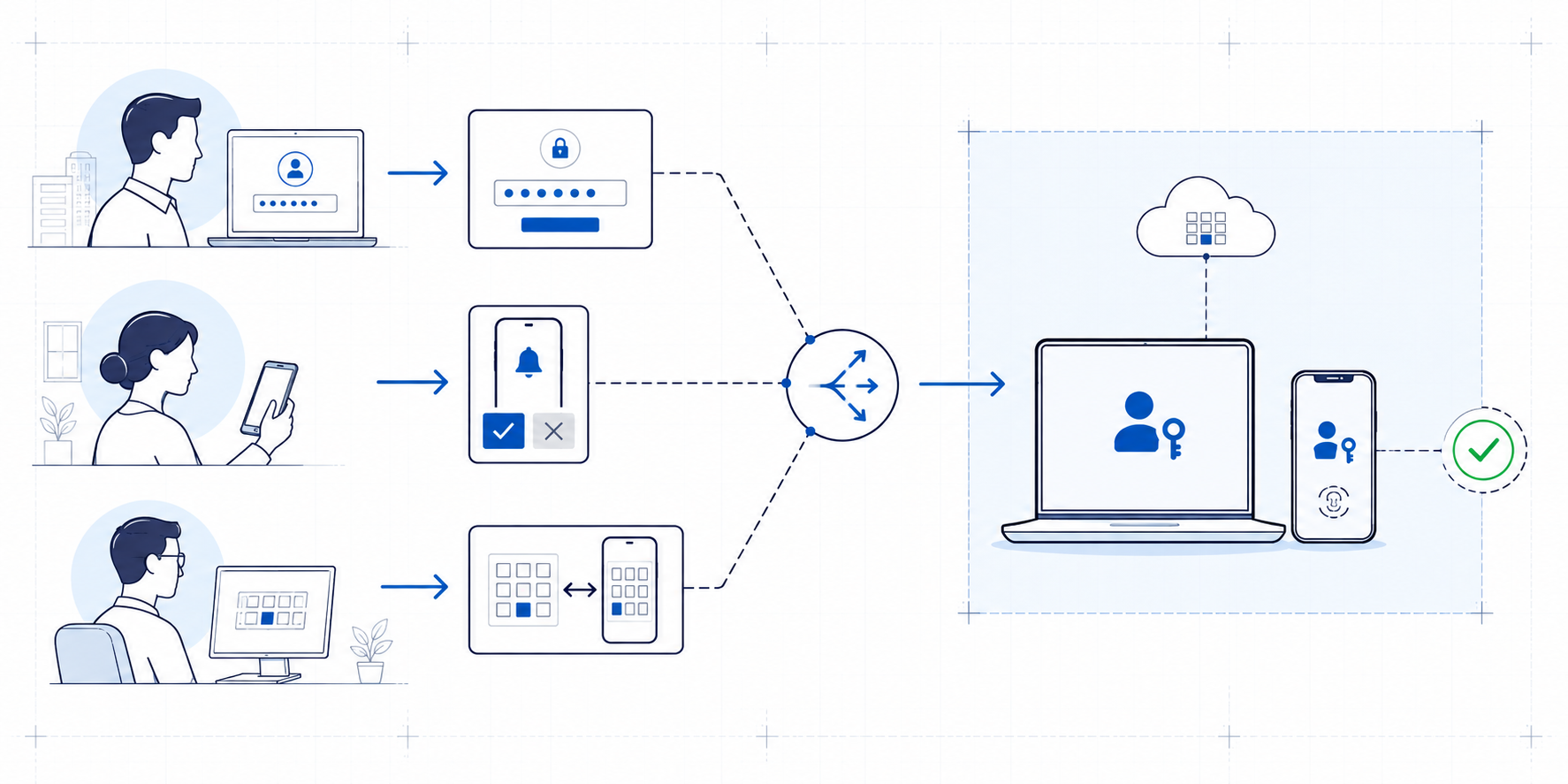
In September 2022, an attacker got into Uber's internal systems without breaking any cryptography. After obtaining a contractor's password, the attacker kept sending sign-in approval requests to the contractor's phone until one was accepted (Uber security update).
None of this required defeating MFA. The attacker only needed someone to approve a request they did not start. That is the weak point of approval-based sign-in: the phone shows a genuine prompt, but the user cannot always tell which sign-in it belongs to.
Number matching makes blind approval harder. Passkeys go further: the credential is bound to the correct service and to a sign-in the user started, so there is nothing to approve by mistake. That makes sign-in stronger, but it brings new requirements. Users need a supported device and current apps, the configuration must be updated, and people must understand why the new flow is different from the old one.
Users must know whether they initiated the operation, which service they are using and what they are approving. Telling people to “tap approve when a notification appears” does not teach secure authentication. It teaches them to approve a request without checking what it means.
The same pattern can appear with Microsoft Authenticator in the workplace. The app is configured when an employee joins and they are shown how to approve a push notification or enter the number displayed on screen. Because registration and changes are infrequent, users may later forget why a request appears, which sign-in it belongs to, or how push MFA, Authenticator passwordless sign-in and a passkey differ.
Passkeys make authentication phishing-resistant by binding the credential to the correct service and the sign-in initiated by the user. Everyday sign-in may become easier, but the organisational transition is more complex. You still need to choose the passkey type, match it to users' devices and applications, configure the correct target groups, teach the new registration and sign-in flow, and verify actual usage. Stronger technology does not remove the need for awareness; it changes what users need to understand.
Microsoft-managed automation does not complete the migration
The 1 September change can create the impression that Microsoft will handle the transition. Passkeys are enabled for affected users, a profile allowing all passkey types is assigned, and the registration campaign moves to a Microsoft-managed state.
This prompts users to register a passkey, but it does not choose the right solution for the organisation. Synced passkeys, passkeys in Microsoft Authenticator, local Entra passkeys in Windows and physical FIDO2 security keys have different device, workflow and policy requirements. The organisation must make that choice for each user group.
Temporarily opting out of the automatic change can pause automatic passkey enablement and the registration-campaign change. It does not move the 1 February 2027 deadline. It can create preparation time; it cannot remove the need to migrate.
Start by finding the actual dependency
An authentication-methods policy may allow SMS for every user even though only a small group uses it regularly. A phone number may be registered on an account while the user's normal sign-in already relies on Windows Hello. For another user, SMS may be the only working method.
Those users do not belong in the same migration group. For the first, you need to confirm that the existing strong method covers the required sign-ins. For the second, a new authentication option must be chosen before Microsoft stops delivering the messages.
- Authentication methods policy Shows which methods and target groups are configured.
- User registration details Show which methods are associated with each user account.
- Authentication method details Show which specific passkeys and security keys are registered.
- Sign-in logs Show which method was used in a specific authentication and whether the sign-in succeeded.
“Allowed”, “registered” and “used” are three different facts. A single readiness percentage can hide users for whom a new method is both allowed and registered but has never produced a successful sign-in.
There is no single view in the Entra admin centre that joins these data correctly. LakeForest Technologies has developed its own Entra ID assessment and analysis toolkit for this work. Using read-only Microsoft Graph permissions, it collects tenant policy, registration details and authentication method data, and correlates them with sign-in data for the required period. Exporting data is not the difficult part. The important part is preserving what each source proves and where its limits are.
An assessment can be a one-time baseline or a continuously updated control. For ongoing visibility, Graph-based collection can be scheduled in Azure Automation or Azure Functions and run through a managed identity with only the required read permissions. Results can be stored in a Log Analytics workspace and used for queries and alerts in Microsoft Sentinel. These Microsoft services provide the technical building blocks; the assessment logic, decision rules and organisational migration process still need to be built on top.
This is not only an Entra ID configuration question
Entra data shows the technical state of authentication. Whether a migration can be carried out depends on how work is actually organised.
- Users and working patterns Who uses an Entra ID account, what roles do they perform and which devices do they use for everyday work?
- Work devices Do users have managed computers or other required devices, and do those devices support the selected authentication option?
- Services and applications Which Microsoft 365, Azure and third-party services are used, and which web, desktop and mobile applications require sign-in?
- Authentication hardware How are phones and other authentication devices provided or reimbursed today, and which user groups does the current model cover?
- Communication and training How will users learn about the change, understand why it is happening, and learn to register and use the new method?
- Progress tracking How will you identify who has adopted the new method, who still has work to do and when older methods can be removed?
Organisations provide phones and authentication devices in different ways. A phone may be company-issued, partly reimbursed or owned by the employee. Some roles may use a physical security key instead. The assessment must show which model exists today, who it covers and whether the planned authentication option fits it.
One replacement does not fit everyone
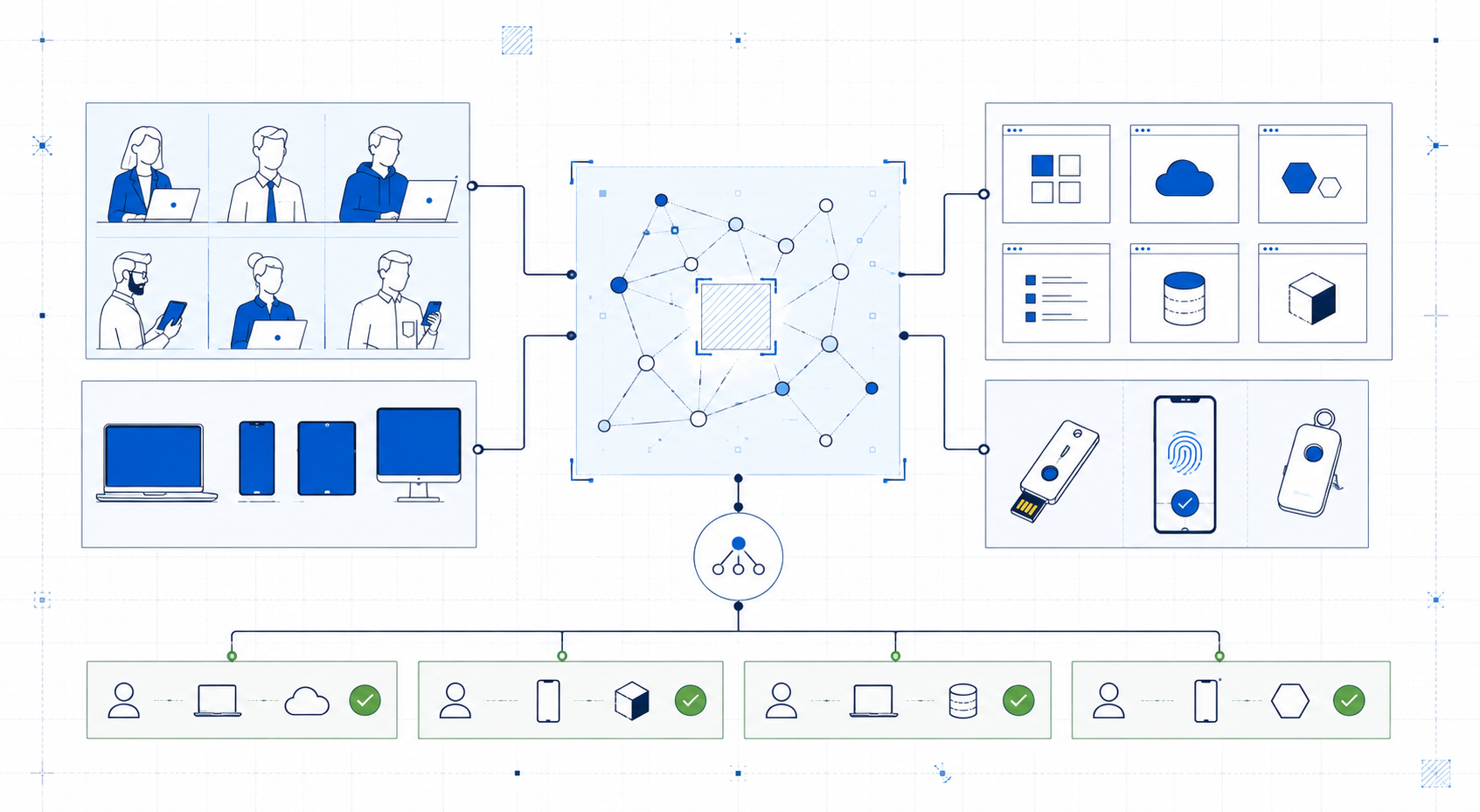
Microsoft is directing users towards passkeys, but there is more than one possible design in Entra ID. The right choice depends on working patterns, devices and security requirements.
- Users with managed Windows devices: existing Windows Hello for Business or a passkey design selected for Windows.
- Workers using multiple supported devices: a synced passkey or a passkey used from a phone.
- Administrators and users with higher security requirements: a controlled physical FIDO2 security key or another restricted option.
- Justified SMS or voice exceptions: a customer-managed telephony provider.
The goal is not to make one choice for the entire tenant. Each affected user group needs an authentication option that works with its actual devices and applications.
The selected design must be implemented correctly in Entra ID
Once the authentication options are selected, they must be translated into Entra ID configuration. Which methods are enabled? Which user groups do they target? Which groups require tighter restrictions? Who should be prompted to register a new method, and when?
A broad passkey profile added automatically by Microsoft may not match the selected design. A profile that is too broad can expose methods the organisation did not choose. A profile that is too restrictive can prevent users from registering the intended method.
Configuration alone does not migrate users
A correctly configured Entra ID environment makes the new authentication method available, but it does not move users automatically. Users need to understand why the change is happening, register the right passkey on the right device, and sign in to the services they use for work. Communication, guidance, training and outcome verification are part of the migration, not follow-up activities.
A tested guide and a short webinar may be enough for a small group with a consistent device estate. In a larger organisation, devices, browsers, applications and working patterns differ. Adoption must be divided into target groups, and registration and sign-in must be tested for each group before wider rollout.
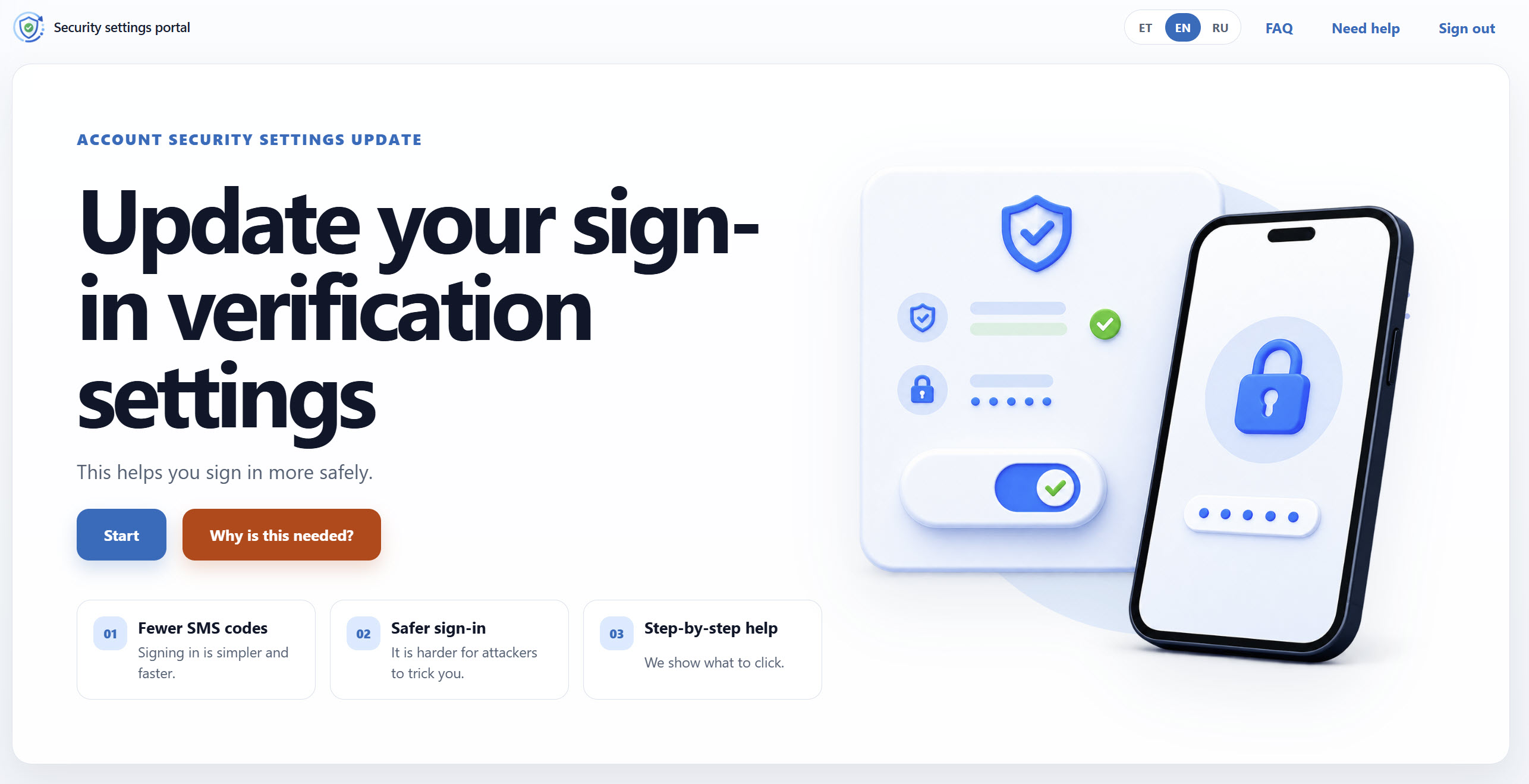
LakeForest has built a guided migration solution that can be deployed into the customer's Microsoft environment. End users sign in to the portal with their Microsoft account, see the registration options selected for the organisation and receive step-by-step guidance tailored to the device, platform and language. The solution checks passkey registration and, where required by the project, actual successful use. Administrators can see progress, users who have not completed the process and exceptions that need a separate decision.
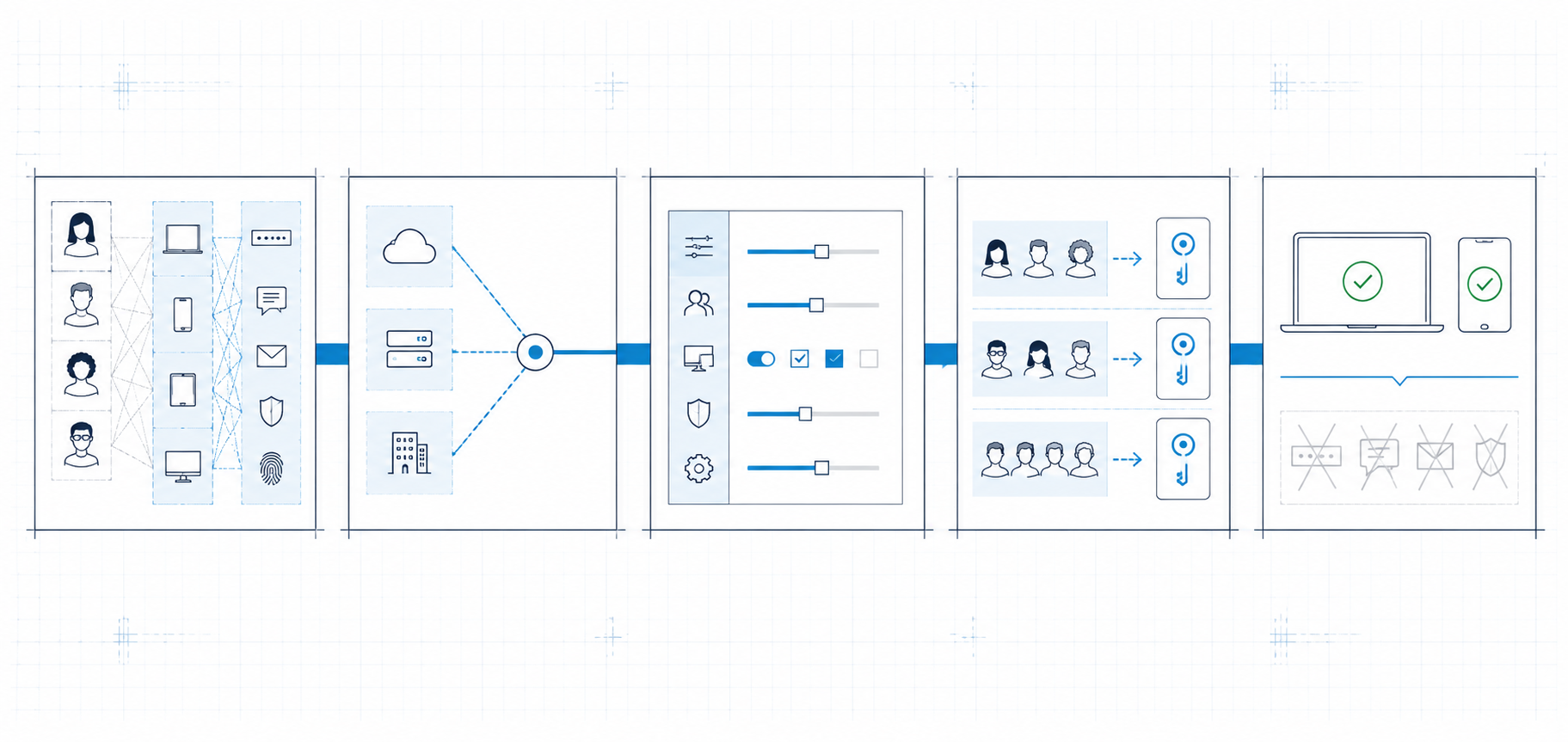
A practical sequence looks like this:
-
AssessmentUser groups, devices, applications, sign-in patterns and dependencies that need to change are visible.
-
Solution designThe right authentication option has been selected for each user and device group.
-
ConfigurationAuthentication methods policy, passkey profiles and target groups are configured according to the selected design.
-
PilotRegistration, sign-in, instructions and communications have been tested with a representative group.
-
Communication and trainingUsers understand the change and can register and use the new method in everyday work.
-
RolloutUsers are moved to the new method in controlled groups.
-
Verification and removal of old methodsSuccessful use is proven. SMS and voice are removed from groups that no longer need them.
The assessment must produce a usable migration baseline
A useful assessment is not an Entra export or a generic security-recommendations document. It must produce the information needed for the next decisions:
- a joined view of authentication-method configuration, registrations and actual usage;
- users whose only working option still depends on SMS or voice;
- existing passkeys and security keys classified by type;
- user groups, their devices, technical readiness and the services they need to access;
- a map of policies, profiles, target groups, exclusions and overlaps;
- the right authentication option, migration order, communication needs and training requirements for each user group;
- the measurements and conditions used to decide when older methods can be removed.
This is the technical input for solution design and migration. Without it, organisations tend to configure an overly broad passkey profile, send the same instructions to everyone and discover exceptions only during rollout.
If you only read one section, start here
You do not need to start preparing for 2027 with a generic project plan. Start with your own environment and take these steps:
- Assess the current state. Establish which authentication methods are allowed, registered and actually used, and who still depends on SMS or voice.
- Understand how work is done. Review user groups, work devices, the ownership model for phones and security keys, applications and how people sign in to them.
- Design the right option for each group. Do not force the entire organisation into one solution when devices and working patterns differ.
- Implement the design in Entra ID. Configure authentication methods policy, passkey profiles, target groups and the registration campaign according to the selected design.
- Pilot and guide users. Test both registration and real sign-ins with representative groups, then improve the guidance before wider rollout.
- Measure the result and complete the migration. Verify both registration and successful use, remove SMS and voice from groups whose transition is complete, and keep exceptions visible with a defined next action.
If the data for the first step is not available today, the next step is an Entra ID assessment. The result will show whether configuration changes and tested guidance are enough or whether you need a guided migration portal and automated progress tracking.
Sources
- Uber: security update, September 2022
- Microsoft: changes to SMS and voice authentication
- Microsoft: practical questions about the service change
- Microsoft: passkeys in Entra ID
- Microsoft: number matching in Authenticator push notifications
- Microsoft: Azure Automation runbooks and managed identities
- Microsoft: scheduled Azure Functions
- Microsoft: sending data to a Log Analytics workspace
- Microsoft: analytics rules in Microsoft Sentinel